


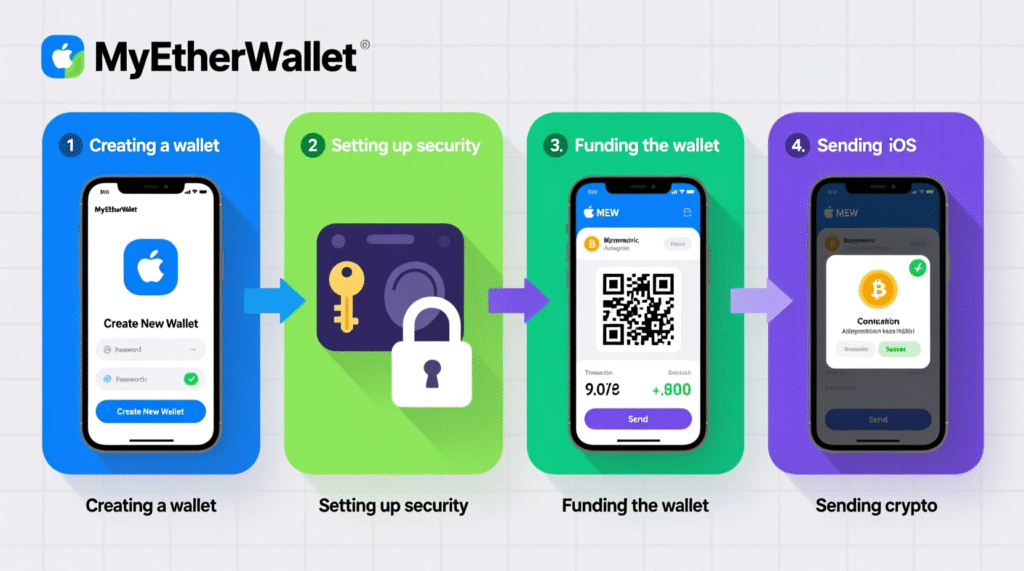
MyEtherWallet (MEW) is a popular cryptocurrency wallet designed for storing ether (ETH) and ERC-20 and ERC-721 tokens. It is available as a mobile app for Android and iOS devices. With MEW Wallet, you can securely manage your cryptocurrency assets, including purchasing, sending, and storing tokens.

Download

- After installation, open the application.
- On the main page, select “Create a free wallet” to create a new wallet.
- If you already have a wallet, click “Restore” and enter your recovery phrase.

- Set a PIN to access the application.
- iPhone users can set up biometric authentication via Face ID or Touch ID.

- The app will generate a 12-word recovery phrase.
- Write this phrase down and keep it in a safe place.
- Do not share your recovery phrase with anyone, as it gives you full access to your wallet.

- To top up your wallet, click “Receive” and copy your address.
- Use this address to transfer funds from other wallets or exchanges.
- MEW Wallet is a reliable tool for managing your cryptocurrency assets. By following security recommendations, you can ensure the safety of your funds.



