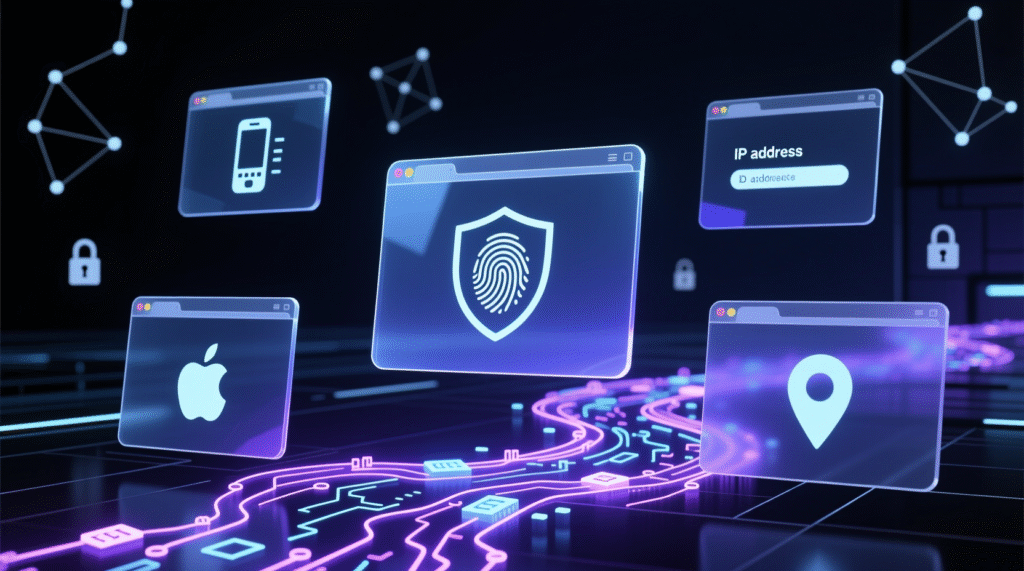
Anti-detect browsers help hide your digital fingerprint and change your IP address to increase privacy and reduce the risk of detection. A “digital fingerprint” is a collection of data a website sees about your device (screen resolution, OS, language, time zone, installed fonts, and extensions). When multiple parameters are added together, the fingerprint can become virtually unique, so anti-detect browsers intentionally replace or isolate these parameters. They are used for safe browsing, managing multiple accounts, testing web products, and (depending on the country’s laws) to bypass geoblocks and web scraping.
A short guide to the solutions presented
This article describes eight popular products—I’ll briefly list their features to make your choice easier.
MuLogin
The platform is designed for both individual users and large teams. It allows you to create multiple profiles with full cookie, localStorage, and sessionStorage isolation—each profile appears to websites as a separate user. It supports integration with proxies and automation (Selenium, Puppeteer). Plans range from entry-level to enterprise-level, and a trial period is available.
Cameleo
Its strengths include two profile engines (Chromium and a Firefox-like engine) and mobile browser emulation. It allows you to update profile versions with one click and load them via QR code in a regular browser. It supports integration with proxies and automation tools; pricing varies depending on the feature set.
MoreLogin
A simpler and more affordable option with a focus on a user-friendly interface. It offers storage isolation, an API, and integration with autotools. A free plan is available for a small number of profiles; paid plans are available at a low price.
AdsPower
One of the most popular options for managing multiple accounts (especially on social media). It supports multiple profiles, mobile action emulation, transaction logging, and collaboration. It integrates with proxy services and automation; there’s a free plan for two profiles and commercial plans for teams.
Multilogin
An enterprise solution with a wide range of features: preconfigured and customizable fingerprints, Chromium and Firefox-based options, advanced access policies for teams, human typing simulation, and more. Suitable for serious teams, but the price is above average.
Octo Browser
A more affordable tool; the article notes that the vendor isn’t afraid to demonstrate “gray” use cases. Like others, it offers storage isolation, profiles with unique fingerprints, and APIs/integrations.
GoLogin
Similar to Multilogin in features, it’s designed for both individuals and teams. It features a set of realistic fingerprints, a web version, a desktop client, and integrations with proxies and automation. There’s a starter plan and a free trial.
Incogniton
Positioned for the mid-to-high-volume and enterprise segments, it features profile setup and duplication, access rights management, task synchronization, and an API. Suitable for teams requiring centralized profile management.
Dolphin{Anty}
A specialized tool for managing advertising accounts and social media campaigns, with campaign duplication and bid automation features. A free plan is available for a small number of profiles; team pricing is available.
Bottom line: how to choose
Most anti-detection browsers share a similar core set of features: storage isolation, unique fingerprints, proxy support, and an automation API. Differences lie in their focus (enterprise vs. budget solutions), mobile emulation support, user-friendliness, scalability, and pricing. For maximum effectiveness, these browsers are typically used in conjunction with proxies (for IP rotation and geo-spoofing).