


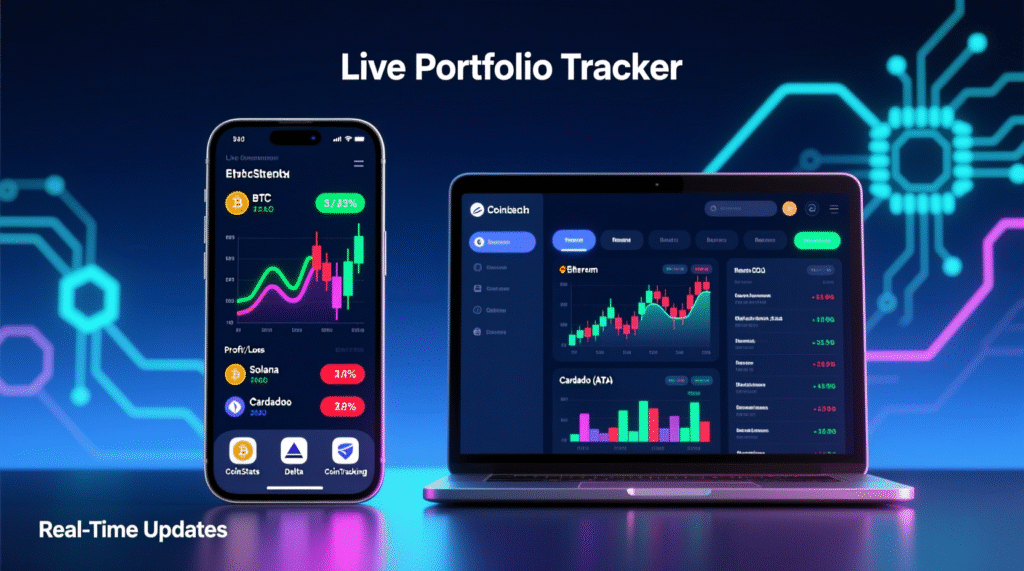
Are you investing in Bitcoin? Holding other cryptocurrencies besides BTC? Trading altcoins or participating in DeFi projects? Perhaps you’re even hunting for lesser-known coins hoping for high returns. If you answered “yes” to any of these questions, you’ve likely encountered difficulties tracking profits for each asset and your overall portfolio value.
At the start, many, like myself, use Excel spreadsheets. This is tedious, requires manual input, and easily leads to errors or missed opportunities—such as missed entry or exit points. After months of frustration, I began searching for a more efficient solution and stumbled upon specialized crypto portfolio management applications. They’re created specifically for traders and investors—from beginners to professionals.
Below are the best applications that will help you track assets, analyze returns, and make informed decisions. Choose the appropriate tool depending on your goals:
- Beginner holding only Bitcoin — a simple tracker will work.
- Investor holding diverse assets (ADA, Aave, Curve, etc.) — needs expanded functionality.
- Active trader periodically taking profits — automation and analytics are important.
- Day trader needing charts, signals, and quick data access — requires an advanced solution.
Regardless of your level, these applications will significantly simplify portfolio management. Below is a detailed overview of the best ones.
1. CoinStats
CoinStats is one of the most popular and reliable crypto portfolio trackers. Available as a mobile app (iOS and Android), desktop version for Mac, Chrome extension, and web platform.
You can connect all major wallets and exchanges, and CoinStats will automatically calculate your profits and losses. Four P/L calculation modes are available:
- All time — considers entire transaction history.
- Current Holdings — only current assets.
- Last trade — only the last transaction.
- 24h P/L — balance change over the last 24 hours.
The app supports synchronization with dozens of exchanges and wallets, and also offers a news feed for tokens from your portfolio—this helps you stay informed about events without unnecessary noise.
2. CoinMarketCap (Free Portfolio Tracker)
CoinMarketCap is known as the main source of market data, but few know it also offers a built-in portfolio tracker. Currently, adding assets is manual, but the interface is intuitive and convenient.
You can easily enter purchases/sales, add notes, and track P/L. The mobile app expands functionality: you’ll see asset distribution in percentages and total portfolio value.
3. AssetDash
AssetDash is a universal tracker for iOS and Android that supports not only cryptocurrencies but also DeFi positions, NFTs, Ordinals, and other digital assets. Simply paste a wallet address or connect an exchange via API.
Especially useful is the airdrop notification feature: you won’t miss opportunities to receive free tokens.
4. CoinTracking – Tracker with Tax Calculation
CoinTracking is my personal favorite, especially if you actively trade. The service has existed since 2013 and offers not only portfolio tracking but also automatic tax obligation calculation.
API connection to Binance, Bitfinex, Kraken, and other exchanges is supported. The system automatically updates data, accounts for gifted or free coins, and separates realized and unrealized losses/profits.
The free plan allows tracking up to 200 transactions. For active traders, a Pro plan is available—you can even pay with cryptocurrency. Although the interface looks somewhat outdated, the functionality compensates for this shortcoming.
5. CryptoCompare Portfolio
CryptoCompare offers an elegant and free (in beta) portfolio management tool. You can create multiple portfolios (e.g., “House Purchase” or “Child’s Education”), add notes, and see asset distribution.
Especially notable is the risk analysis function and beautiful data visualization. Everything is stored in the cloud, so you won’t lose data. The web interface is powerful, while the mobile app currently falls short in functionality.
6. Delta – Tracker for Multi-Asset Portfolios
Delta is a modern and stylish app for iOS and Android, supporting over 2000 coins and fiat currencies. You can set BTC or USD as the base currency and see the overall portfolio picture in a convenient currency.
Key features:
- Separate screens for portfolio and watchlist
- Price movement notifications
- Charts, volumes, market capitalization
- Support for up to 10 portfolios (in Pro version)
- Synchronization between 5 devices
7. Zerion – for DeFi Investors
If you work through MetaMask, Coinbase Wallet, or other DeFi wallets, Zerion is the perfect choice. It combines all your positions in one interface, supports multi-network assets, and even allows investing, taking loans, and earning staking rewards directly from the app.
Available on all platforms: web, iOS, Android, Mac.
8. DIY Tracker in Google Sheets
If you like to control everything manually, you can create your own tracker using Google Sheets and API from CoinGecko or CoinMarketCap. This is free but requires time and basic formula skills.
What is a Crypto Tracker?
This is a program that displays your portfolio value, profits/losses, and asset dynamics in real-time. Many of them automatically synchronize with exchanges, saving you hours of manual input.
Can You Create a Tracker in Excel?
Yes! Use open APIs and customize the spreadsheet to your needs. But for most users, it’s easier to download a ready-made app.
Are Crypto Trackers Free?
Most offer free basic functions. For advanced features (auto-sync, taxes, multi-portfolios), a subscription may be required.
Which Tracker is Best in 2025?
CoinMarketCap 4.7/5
Delta 4.2/5
CryptoCompare 4.0/5
CoinTracking 3.5/5
Choice depends on your goals:
- Long-term investments → CryptoCompare
- Active trading + taxes → CoinTracking
- DeFi and NFTs → Zerion or AssetDash
- Universal solution → CoinStats or Delta



