


Download and installation
Download CGMiner
Creating and configuring a .bat file
CGMiner works via the command line, so for convenience, it is recommended to create a .bat file with the necessary settings.
Example for Dogecoin:
setx GPU_FORCE_64BIT_PTR 0
setx GPU_MAX_HEAP_SIZE 100
setx GPU_USE_SYNC_OBJECTS 1
setx GPU_MAX_ALLOC_PERCENT 100
setx GPU_SINGLE_ALLOC_PERCENT 100
cgminer --scrypt -I 10 -o stratum+tcp://pool.coinfoundry.org:3151 -u DKs5E8nWJe2E5vYnVSoYqNjw2T17nGYUDo.my_worker_password -p my_worker_password -T
pause
Explanation of parameters:
–scrypt: mining algorithm (for Dogecoin).
-I 10: GPU intensity.
-o: pool address.
-u: username or wallet address.
-p: password.
-T: use text interface.
Additional parameters for optimization
CGMiner supports many performance tuning options:
–auto-fan: Automatically adjusts fan speed.
–auto-gpu: Automatically adjusts GPU clock speed.
–device (-d): Selects a specific device (e.g., –device 0).
–gpu-threads (-g): Number of threads on GPU (values from 1 to 10).
–gpu-engine: Sets the GPU frequency (e.g., –gpu-engine 900).
–gpu-fan: Sets the fan speed in percent (e.g., –gpu-fan 25).
- Launching the miner:
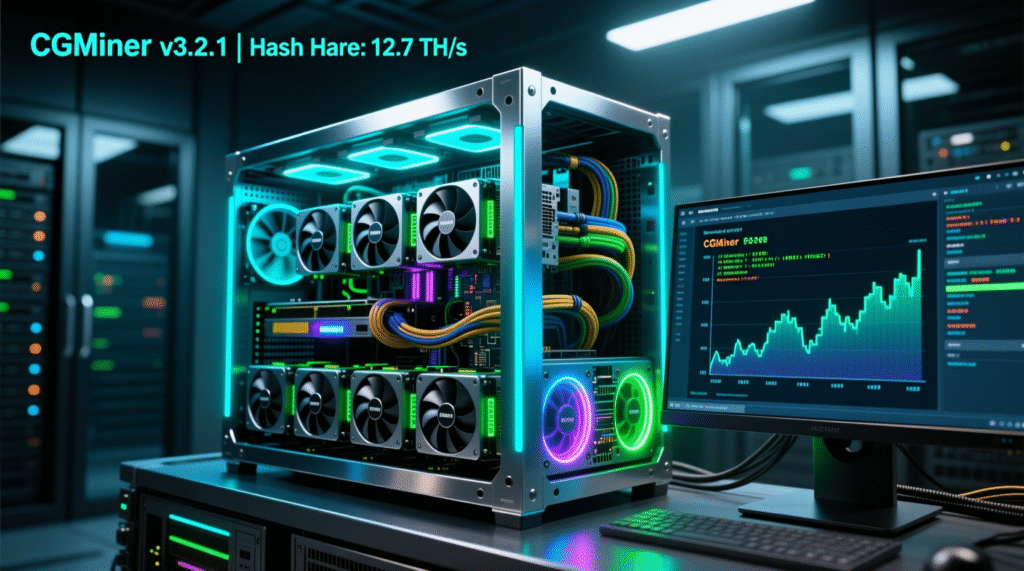
After configuring the .bat file, double-click it to launch it. The console will display information about the mining process, including hashrate and statistics. - Recommendations for choosing a pool
For mining Dogecoin, you can use the following pools:
coinfoundry.org
multipool.us
prohashing.com
Before connecting to a pool, register on its website, create a worker and obtain the necessary data (pool address, port, username and password). - Optimization Tips:
Regularly update your graphics card drivers to ensure maximum performance.
Use software to monitor GPU temperature and load to avoid overheating.
Experiment with the –gpu-engine and –gpu-fan parameters to find the optimal balance between performance and temperature.



